
Is Claude Pro Worth It for Writers? Free vs Pro vs Max vs Ultra (2026)
Claude Pro costs $20 a month, Max $100 and Ultra $200. Here is what each plan adds for writers, who actually needs one, and a simple way to decide before you pay.
For most writers the answer is: try the free plan first, and buy Claude Pro ($20 a month, or $17 a month on annual billing) only when the free limits or missing features start costing you billable time. Max ($100 a month) and Ultra ($200 a month) are for people who run into Pro's usage limits week after week, not for writers who simply want better prose. Anthropic's pricing page lists the same writing basics on every individual plan (chat, web search, file creation, Projects, Skills, memory), so what you pay for is mostly more usage, access to the Opus model, Research, and the Claude Code and Microsoft 365 integrations.
This guide compares the four individual plans from the pricing page and Anthropic's help centre, checked on November 6, 2026 (US prices, before tax). We did not run a hands-on test, so we say nothing about which model writes better prose. If you are still deciding between assistants, start with our ChatGPT vs Claude for writing comparison; this post is for people who have already picked Claude and want to know which plan to pay for.
The Short Answer
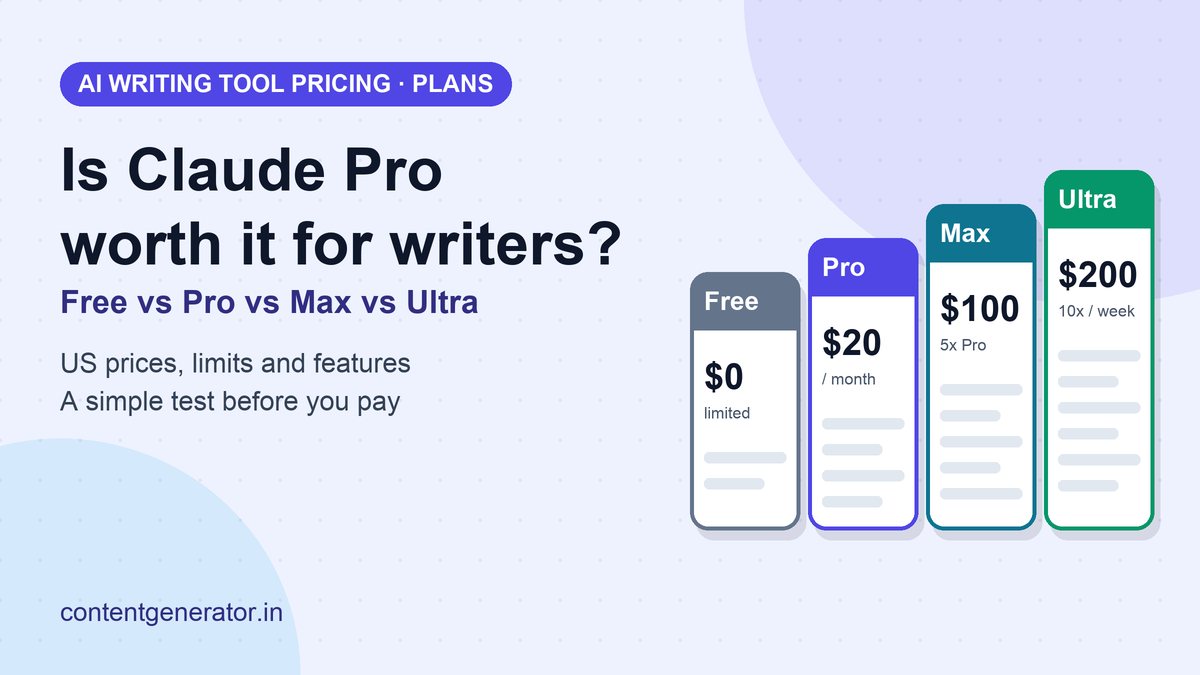
- Free ($0): enough to learn the tool, edit short pieces and test your prompts. Usage is limited every five hours and every week, and Opus, Research and Claude Code are not included.
- Pro ($20 monthly, $17 a month billed annually): the sensible paid step for a working writer. More usage than Free, Opus, Research, and the Microsoft 365 and Chrome add-ons.
- Max ($100 a month): five times Pro's usage every five hours and every week. Worth it only if you keep hitting Pro's limits.
- Ultra ($200 a month): ten times Pro's weekly usage and no five-hour limit for verified accounts. Built for the heaviest daily use.
- Not a writing-quality upgrade by itself: the writing features in the comparison table are the same across individual plans, so a bigger plan will not make a weak brief into a strong draft.
What Each Individual Plan Includes
| Plan | US price | Usage (per Anthropic) | Notable differences |
|---|---|---|---|
| Free | $0 | Limited every 5 hours and every week | Sonnet and Haiku, no Opus; no Research; no Claude Code; Projects capped at 5 |
| Pro | $20 monthly, or $17 a month with annual billing ($200 up front) | "More usage than Free" every 5 hours and every week | Opus; Research; Claude Code; Claude for Microsoft 365; Claude in Chrome; hand off and schedule tasks; usage credits |
| Max | $100 a month (monthly billing only) | 5x Pro every 5 hours and every week | Everything in Pro, plus $100 a month in API credits, priority access at busy times and early access to advanced features |
| Ultra | $200 a month | 10x Pro weekly; no 5-hour limit for verified accounts | Everything in Max, plus $200 a month in API credits |
Anthropic notes that prices do not include applicable tax, that mobile app pricing can differ from the web price, and that plans and prices can change at its discretion. If you pay by card on the web, the table above is what the pricing page showed on the check date.
What You Get on the Free Plan
The free plan is more capable than many writers expect. Anthropic lists chat on web, desktop and mobile, web search, file creation and code execution, memory across conversations, Artifacts, connectors, voice mode, Claude Docs and Slides, incognito chats, user preferences and Skills. Projects are available too, with a limit of five. For a writer who drafts a few pieces a week, that covers outlining, editing, summarizing sources and fixing tone.
What you give up is room. Anthropic says free usage is limited every five hours and every week, and that how quickly you reach a limit depends on the model, how long your chats are and how large your files are. You also do not get Opus, Research, Claude Code or the Microsoft 365 add-ons. If you have never hit the free limit, you have no evidence yet that you need to pay.
When Pro Is Worth $20 a Month
Pro is the plan most writers should consider, and a simple break-even test works better than a feature list. Take what the subscription costs ($20, or about $17 on annual billing) and divide by your effective hourly rate. If you bill $50 an hour, Pro pays for itself if it saves you roughly 25 minutes a month. That is an illustration, not a promise: only you know whether the time saved is real, and saved time only counts if you can use it on paid work or on rest you value.
Signs that Pro is the right next step:
- You hit the free limit during real work. Being cut off mid-edit on a client deadline is a good reason to pay.
- You want Research or Opus. Both are listed as Pro features and not on Free.
- You run more than five Projects. A Project per client or per series, each with its own instructions and reference files, is a natural way to work. Free stops at five. Anthropic's help centre says paid plans also switch to RAG mode when project knowledge approaches the context limit, which expands a Project's capacity.
- You work inside Word, Excel or Outlook. Claude for Microsoft 365 and Outlook are listed as Pro features.
- You want it to work while you do something else. Pro adds the ability to hand off and schedule tasks.
Annual billing is $200 up front against $240 across twelve monthly payments, a $40 difference. Take it only after a month or two of monthly billing has shown you use the tool every week. If you freelance, keep the receipt for client work; our guide to freelance writer taxes explains how business expenses work in the US.
When Max or Ultra Makes Sense
Max gives five times Pro's usage every five hours and every week, and Anthropic's help centre says Max also has a weekly limit that applies across all models. Ultra goes to ten times Pro's weekly usage and drops the five-hour limit for verified accounts. Both include monthly API credits ($100 on Max, $200 on Ultra), which only matter if you build something on the Claude Platform.
For a writer, the honest test is whether Pro's limits interrupt you most weeks. Before upgrading, look at Settings > Usage, where Anthropic says paid plans show progress bars for the current five-hour session and the weekly limits. If you rarely get close, Max would be paying for headroom you do not use. If you run long research sessions, large files and multi-step tasks every day, the extra capacity is a reasonable business cost. Remember that Anthropic describes limits as a combination of caps and says it does not guarantee uninterrupted service, so a bigger plan reduces interruptions but does not remove them.
How to Stretch Any Plan Further
Before you spend more, use the habits Anthropic recommends in its usage-limit best practices. They matter most on the free plan and on Pro:
- Put reused material in a Project. Anthropic says Project content is cached and counts less against your limits when it is reused. The cache expires after inactivity, so the first message after a long break counts in full.
- Send complete drafts in one message instead of splitting an article into pieces. Anthropic's guidance for writing assistance is to outline requirements, audience and key points up front and to send entire texts for editing together.
- Batch related requests. One message with five related edits uses fewer turns than five messages.
- Watch the costly features. Anthropic lists message length, attachment size, conversation length, tool use such as Research and web search, model choice, effort level and multi-step tasks as factors that use up your limit faster.
- Write a better brief first. Our AI prompt writing formula cuts the back-and-forth that burns usage, and a reusable writing Skill keeps your house style out of every prompt.
Privacy Check Before You Paste Client Work
The pricing page lists model training as "Opt-out" on Free, Pro, Max and Ultra, and as "None by default" on Team and Enterprise. In plain terms, on the individual plans you can opt out in settings, and on Team and Enterprise plans Anthropic says it is off by default. Read the current terms and your client contracts before pasting confidential drafts, interviews or unpublished figures. Incognito chats are listed on every individual plan if you want a conversation kept out of your history.
A Four-Step Way to Decide
- Use Free for two weeks on real work and note every time you hit a limit or miss a feature.
- Move to Pro monthly if you hit the limit more than once a week or you need Research, Opus or Microsoft 365 support. Skip annual billing for now.
- Check Settings > Usage after a month. Moving to annual billing makes sense if you used it every week.
- Consider Max only if you reach the Pro limit most weeks even after using Projects and batching. Cancel if the extra headroom goes unused.
A paid plan does not change your publishing responsibilities. Google's guidance says it rewards helpful, reliable content however it is produced, so your editing and fact-checking still decide whether a draft is worth publishing; see our self-audit against Google's spam policies, our AI content editing workflow, and the FTC rules for AI-written reviews. For ownership questions, read what the U.S. Copyright Office says about AI-assisted writing, and for a wider tool comparison see best AI writing tools.
FAQ
Is Claude Pro worth it for writing?
It is worth it if you hit the free plan's usage limits during paid work or need Research, Opus or the Microsoft 365 integration. Otherwise the free plan already includes chat, web search, Projects (up to five), Skills and file creation.
How much does Claude Pro cost?
Anthropic's pricing page shows $20 a month billed monthly, or $17 a month with an annual subscription discount ($200 billed up front). Prices exclude applicable tax and can differ in the mobile apps.
What is the difference between Claude Pro and Max?
Max is $100 a month and gives five times Pro's usage every five hours and every week, plus $100 a month in API credits and priority access at busy times. The core chat and writing features are the same.
Does Claude Max have usage limits?
Yes. Anthropic says Max has a five-hour limit and a weekly limit, and that additional limits may apply. Ultra removes the five-hour limit for verified accounts but still has weekly limits.
Can I use Claude Projects on the free plan?
Yes, up to five. Anthropic says free users can create a maximum of five Projects, and that paid plans get RAG mode when project knowledge nears the context limit.
Sources (checked November 6, 2026): Anthropic, Claude pricing; Claude Help Center, What is the Max plan?, Usage limit best practices, How can I create and manage projects? and Using Skills in Claude; Google Search Central, Guidance on using generative AI content. We did not test these plans for this article. Anthropic can change prices, plans and limits at any time, so confirm them on the pricing page before you pay.
Frequently asked questions
Is Claude Pro worth it for writing?
It is worth it if you hit the free plan's usage limits during paid work or need Research, Opus or the Microsoft 365 integration. Otherwise the free plan already includes chat, web search, Projects (up to five), Skills and file creation.
How much does Claude Pro cost?
Anthropic's pricing page shows $20 a month billed monthly, or $17 a month with an annual subscription discount ($200 billed up front). Prices exclude applicable tax and can differ in the mobile apps.
What is the difference between Claude Pro and Max?
Max is $100 a month and gives five times Pro's usage every five hours and every week, plus $100 a month in API credits and priority access at busy times. The core chat and writing features are the same.
Does Claude Max have usage limits?
Yes. Anthropic says Max has a five-hour limit and a weekly limit, and that additional limits may apply. Ultra removes the five-hour limit for verified accounts but still has weekly limits.
Can I use Claude Projects on the free plan?
Yes, up to five. Anthropic says free users can create a maximum of five Projects, and that paid plans get RAG mode when project knowledge nears the context limit.