
Does ChatGPT Train on Your Data? A Privacy Check for Writers (2026)
What ChatGPT, Claude and Gemini say about training on your chats, how to check your settings, and what writers should never paste after the Notion AI vendor breach.
It depends on the product, the plan and one setting you control. On personal ChatGPT Free, Plus and Pro accounts, OpenAI's Help Center says sharing your chats to improve its models is on by default, and you can switch it off under Settings > Data controls. Claude's consumer plans work differently: Anthropic says it uses chats for model improvement if you allow it. Either way, a privacy toggle only covers what the company does with your chat. It does not cover a breach at a vendor behind the tool, which is exactly what happened to Notion AI customers this month.
If you write for clients, that gap matters. This guide covers what the three biggest assistants say about training, how to check your own settings in about two minutes, what the Notion incident teaches, and a short list of things not to paste into any AI writing tool. It is a privacy and workflow guide, not legal advice and not a test of which tool is safest: we did not audit any vendor's security.
The Short Answer
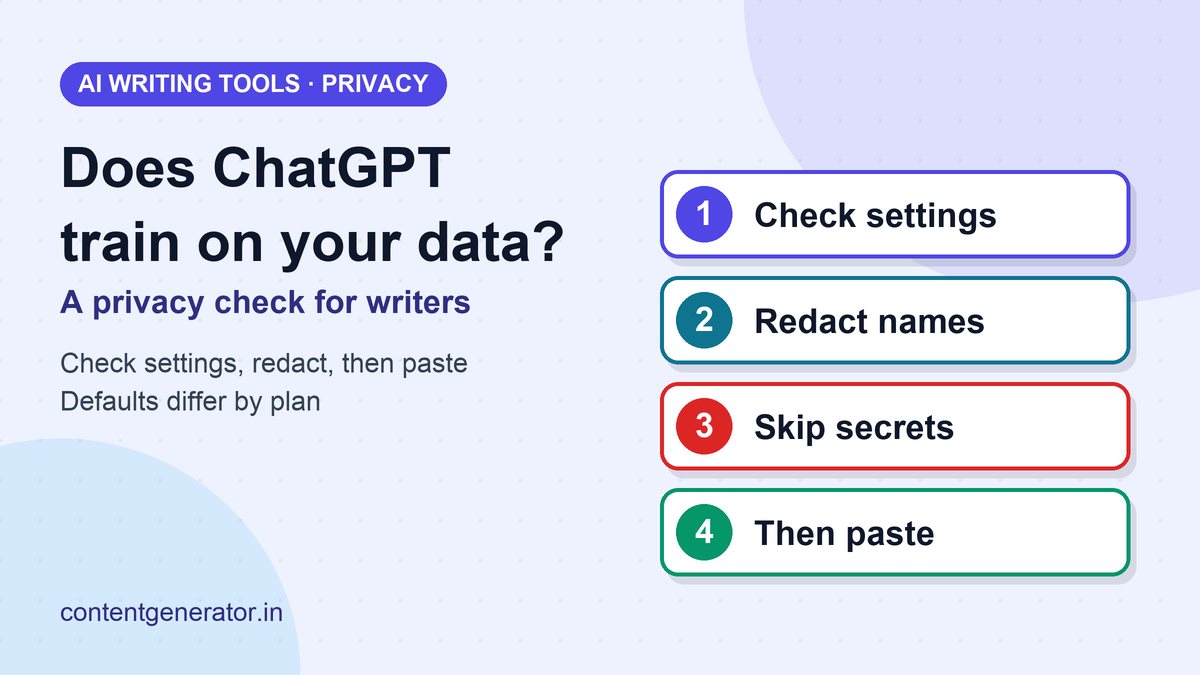
- Check the training setting in every AI tool you use. Defaults differ by plan.
- Redact before you paste. Replace client names, numbers and credentials with placeholders.
- Read your client contract. An NDA can forbid sharing material with any third-party tool, whatever the tool's settings say.
- Never paste secrets. Passwords, API keys and tokens do not belong in a chat, ever.
- Prefer a business or API plan when client confidentiality is part of the job.
What ChatGPT, Claude and Gemini Say About Training
The table summarizes each company's own help pages as we read them on November 16, 2026. Settings, plan names and defaults change, so treat it as a map and confirm in your account.
| Tool | What the company says | Your control |
|---|---|---|
| ChatGPT (personal Free, Plus, Pro) | Data sharing for model improvement is enabled by default. Available controls depend on your plan and workspace settings. | Settings > Data controls > turn off "Improve the model for everyone". Temporary chats are not used to improve models and may be kept up to 30 days for safety. |
| Claude (consumer Free, Pro, Max) | Chats are used to improve models if you allow it, if a conversation is flagged for safety review, or if you opt in to a program such as the Trusted Tester Program. | Model improvement setting in Privacy Settings. Incognito chats are not used to improve Claude. Thumbs up/down feedback stores the whole conversation for up to 5 years. |
| Gemini Apps | Google's Gemini Apps Privacy Hub (last updated October 26, 2026) has dedicated sections on human review, retention and what Keep Activity controls. | Keep Activity and Memory summary settings; temporary chats. |
Two details are easy to miss. First, OpenAI says turning training off does not delete your saved chats; they stay in your history until you delete them. Second, Anthropic's page applies to its consumer products. Claude for Work and the API are governed by a separate article, so your protection depends on which account type you use. Our comparisons of ChatGPT Go vs Plus and Claude Pro cover what each plan includes; this guide covers what happens to the text you put in.
Your Two-Minute Settings Check
- ChatGPT: open Settings, then Data controls. If "Improve the model for everyone" is on and you do not want that, turn it off and select Done. Use Temporary chat for anything you would rather not keep in history.
- Claude: open Privacy Settings and review the model improvement option. Use an Incognito chat for sensitive drafts.
- Gemini: review Keep Activity and read the human review section of the Privacy Hub, since reviewed conversations can be handled differently from ordinary ones.
- Everything else (Notion AI, Grammarly, Jasper and similar): find the vendor's "how we use your data" page and look for three answers: is content used for training, who can see it, and how long is it kept.
The Notion AI Incident: Why Settings Are Not the Whole Story
On November 12, SecurityWeek reported that Notion was notifying a small set of customers after a breach at Fireworks AI, a cloud platform for running open-weight AI models that Notion used as a general inference provider. According to that report, Fireworks was hacked twice in October; the second incident, on October 24, involved an unauthorized workload and led to compromised customer data. Fireworks contained it the same day and told Notion on November 2.
Notion's investigation found that the attackers accessed Notion AI chat transcripts used for its Insights feature. SecurityWeek reports that fewer than 1% of Notion workspaces were affected and that most transcripts were unattributable to a customer or workspace. Notion told affected customers to treat the data as exposed and to rotate any credentials pasted into Notion AI. Its security advisory, which still listed the status as "Investigating" when we read it, records that on November 11 Notion revoked exposed Notion API keys found in affected messages, and on November 12 it reported exposed third-party API keys to the vendors that issued them.
The lesson for writers is not "avoid Notion." It is that the safest chat is the one that never contained the sensitive thing. No training toggle protects text from a breach at a company the tool relies on. The only reliable control is what you choose to paste. We are reporting the incident as described by Notion and SecurityWeek; details may be updated as the investigation continues.
What to Paste, What to Redact, What to Keep Out
| Usually fine | Redact first | Keep out of any AI tool |
|---|---|---|
| Your own published articles and public web pages | Client and company names, people's names, internal product names | Passwords, API keys, tokens, recovery codes |
| Topics, outlines and questions with no client detail | Revenue figures, pricing, customer numbers | Customer lists, personal data, medical or legal records |
| Generic style guidance you wrote yourself | Unreleased product plans and launch dates | Anything an NDA or contract forbids sharing with third parties |
A Six-Step Routine for Client Work
- Read the contract. Look for confidentiality, NDA and "third party" or "subcontractor" language. If AI tools are not mentioned, ask the client in writing; it takes one email and protects you both.
- Choose the account type. A business plan or API route with training off beats a personal account with defaults left on.
- Turn training off where the tool lets you, and use temporary or incognito chats for sensitive drafts.
- Redact with placeholders such as [Client], [Product] and [Amount], then restore them in your own editor.
- Keep credentials out entirely. If one slips in, rotate it immediately, as Notion advised its customers.
- Clean up. Delete finished client chats from history and export nothing you do not need.
This sits alongside the quality side of AI drafting: our guides to fact-checking AI content and the five-step AI email workflow show how to review output, and can you copyright AI-assisted writing explains who owns what you produce. If you work inside Google Docs, see what Gemini in Docs can and cannot do.
When a Client Asks "Do You Use AI?"
Many clients now ask. A straightforward answer protects your reputation: say which tools you use, for which steps (research outlines, editing, never full drafts without review, for example), that you do not paste confidential material into consumer chat accounts, and that you will follow any written client rule. If a client prohibits AI, follow it. Do not rely on a tool's settings to override a contract.
Sources
- Data controls in ChatGPT, OpenAI Help Center
- Is my data used for model training?, Anthropic Privacy Center
- Gemini Apps Privacy Hub, Gemini Apps Help (Google)
- Notion Customer Data Compromised in Fireworks AI Hack, SecurityWeek
- Fireworks AI incident, Notion security advisory
All five pages were read on November 16, 2026. Privacy settings, plan names and defaults change often, so confirm them in your own account. This article is general information, not legal advice.
Frequently asked questions
Does ChatGPT train on my data?
On personal ChatGPT Free, Plus and Pro workspaces, OpenAI's Help Center says data sharing for model improvement is on by default, and you can turn off "Improve the model for everyone" in Settings > Data controls. Business and enterprise workspaces follow their own workspace policies.
Does turning off training delete my chats?
No. OpenAI says turning off "Improve the model for everyone" does not delete or hide saved chats. Delete chats or use Temporary chat if you do not want them kept in your history.
Does Claude train on my chats?
Anthropic's Privacy Center says consumer Claude chats are used to improve models if you allow it, if a conversation is flagged for safety review, or if you opt in to a program. Incognito chats are not used to improve Claude. Commercial products such as Claude for Work and the API are covered by a separate article.
Is it safe to paste client work into an AI writing tool?
Only if your contract and the tool's data terms allow it. Check any NDA first, use a plan with training turned off or a business plan, and replace names, numbers and credentials with placeholders.
What happened with Notion AI and Fireworks AI?
SecurityWeek reported that Fireworks AI, an inference provider Notion used, was breached on October 24 and that Notion AI chat transcripts for its Insights feature were accessed. Notion said fewer than 1% of workspaces were affected and recommended treating the data as exposed and rotating any credentials pasted into Notion AI.