
AI Writer for Google Docs: What Gemini in Docs Can and Can't Do (2026)
Gemini is Google's built-in AI writer for Docs. Here is what it does, which accounts can use it, where it falls short, and a five-step workflow that keeps you in control.
The best AI writer for Google Docs is probably the one already built in: Gemini in Docs. It can draft a document from a prompt, rewrite a selected passage, pull context from your Drive files, Gmail and the web, and show every change as a suggestion you accept or reject. The catch is access. Google says it needs an eligible Google Workspace plan or a Google AI plan, so a plain free account will not see all of it. This guide explains what Gemini in Docs does, what it does not do, and a simple workflow that keeps you in control of the final text.
A note on method: this article is based on Google's own help pages and announcements, linked in the sources below and checked on November 3, 2026. We have not run a side-by-side test of Gemini against other writing tools, so we make no claims about which writes better. Google changes these features often, so confirm what your account shows before you buy a plan for it.
The Short Answer
- Gemini in Docs is Google's own AI writer inside Google Docs. You open a document, use the Gemini bar at the bottom or the Ask Gemini side panel, and type a prompt.
- Who can use it: you must be 18 or over, with a work or school account on an eligible Workspace plan, or a personal account on Google AI Plus, AI Pro or AI Ultra. Some features are not available in every language.
- What it is good at: first drafts, rewriting and tightening text, summaries, and drafting from files you already have in Drive.
- What it will not do for you: check facts, decide your angle or make a draft publishable. Google's own guidance tells site owners to fact-check and review AI-generated content before publishing.
- New this week: on October 29, 2026 Google said you can generate, preview and edit documents (including Google Docs files) directly in a Gemini chat, which is a separate route from writing inside Docs.
What You Need Before You Can Use It
Google's "Get started with Google Workspace with Gemini" page lists the requirements. You must be 18 or over and have an eligible account. Work or school accounts get the AI features through an eligible Google Workspace plan. Personal accounts get them through Google AI Plus, Google AI Pro or Google AI Ultra. The page also notes that some features may not be available in your language.
Two details matter if you are a freelancer or blogger on a personal account. First, some Docs features are offered through Google Workspace Experiments, a trusted tester program for personal accounts, so you may see a feature that a colleague does not. Google's tip for checking: open a new Google Doc and look for the bottom bar. Second, the free allowance is narrow. The same page says personal-account users in the US can use "Help me write" in Gmail at no charge, but that is Gmail, not Docs. We are deliberately not quoting plan prices here because they change; check Google's current plan page.
What Gemini in Docs Actually Does
| Task | How Google describes it | Good for |
|---|---|---|
| Write or edit with a prompt | Type in the bottom bar; Gemini reads the whole doc and shows changes as suggestions | Tightening an intro, adding a section |
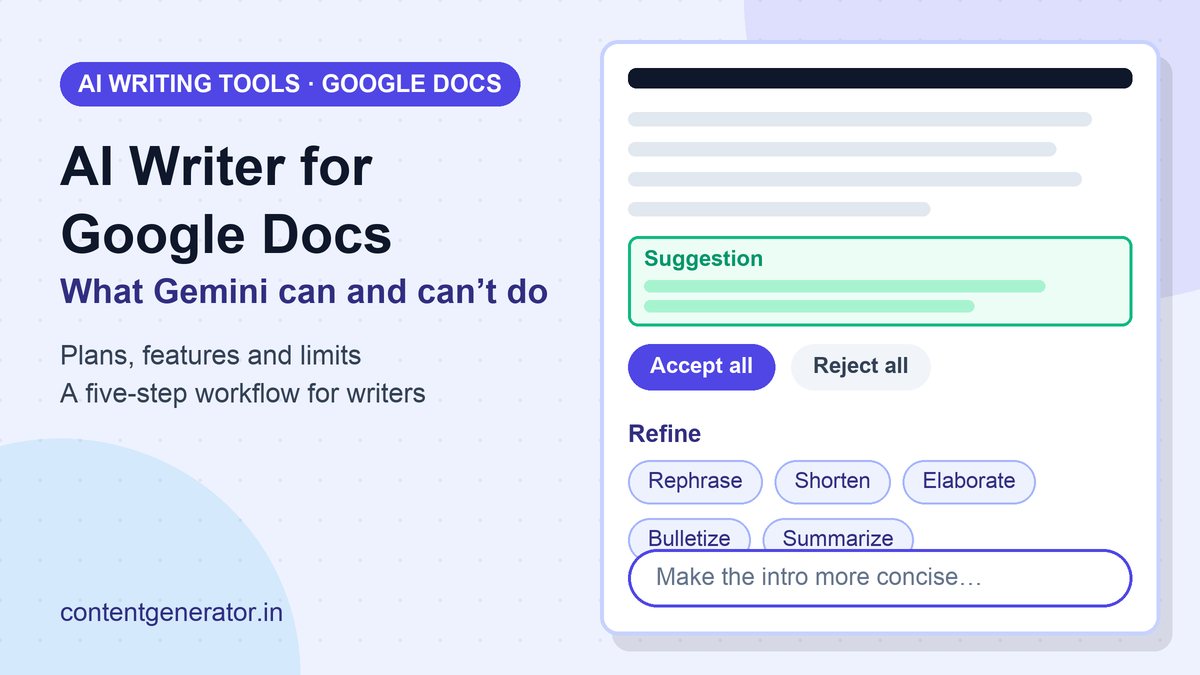
| One-click Refine | Select text, then Rephrase, Shorten, Elaborate, Bulletize or Summarize; also more formal or more casual | Quick tone fixes |
| Use your own files as sources | Add files from Drive, or type @ to pick one; Gemini can also use Gmail, Chat and the web | Updating a plan from meeting notes |
| Create a personalized document | Generate a first draft such as a proposal, project plan or blog post; desktop only for now | Getting past a blank page |
| Match a style or format | Point to a Drive doc for tone, sentence structure and vocabulary level, or for layout (writing style is a Workspace Experiments feature) | Keeping a house voice |
| Ask Gemini side panel | Summaries, suggested prompts, Retry, Retry with Google Search, Insert, and saved Gems | Brainstorming next to your draft |
Suggestions, not silent edits
When you edit through the bottom bar, Gemini puts changes in the document as suggestions. You can use Accept suggestion on one change, Accept all, or Reject all. That is the single most useful design choice for writers: you see exactly what changed instead of getting a replaced paragraph you have to compare by eye.
Lose-your-history warning
In the side panel, Google says your conversation history is lost if you refresh the browser, close and reopen the document, or go offline. Its tip is to insert generated output into the document if you want to keep it. Treat the side panel as scratch space, not storage.
A Five-Step Workflow for Writers
This is our suggested process, built on the features above. It is not an official Google recommendation.
- Write the brief first. Before you prompt, settle the audience, the point and the sources. Our AI content brief checklist covers the twelve things to decide.
- Prompt with context. Name the audience, length and tone, and attach your own notes with Sources or @. Google's own example prompts are specific, such as "Add evidence to my Research section" or "Make the introduction more concise and professional." The six-part prompt formula helps here.
- Draft in sections. Ask for one section at a time and review each, rather than one 1,500-word dump.
- Edit with suggestions on. Use Refine for tone and length, then reject anything that changes your meaning. Our AI content editing workflow and guide to humanizing AI content go deeper.
- Fact-check before it ships. Verify every number, quote and claim against the original source. See how to fact-check AI content.
The Limits Worth Knowing
- It can be wrong. Google's guidance on generative AI says models predict likely words rather than retrieve facts, so outputs can contain inaccuracies, and it is critical to manually fact-check and review AI-generated content before publishing. That includes titles, meta descriptions, structured data and image alt text.
- Volume is a risk. The same page warns that using generative AI to produce many pages without adding value for users may violate Google's spam policy on scaled content abuse. A fast drafting tool makes that line easier to cross by accident. Our self-audit for small sites shows how to check.
- Features vary by account. Plan, language, region and Workspace Experiments enrollment all change what you see. "Create personalized documents" is described as desktop-only.
- Privacy depends on the account type. Google says Workspace content is not used to train the generative AI models behind Gemini and Search outside Workspace without permission. For users with Google AI plans, it says Gemini in Docs does not use your content to train or improve its models and does not store your prompt or output without your permission. Users enrolled in Workspace Experiments are covered by a separate notice, and data you choose to share with the Gemini app or Search for Personal Intelligence follows those products' own terms. Read the notice that applies to your account before pasting client material.
- Disclosure is your call. Google suggests that sharing how content was created, for example background on how automation was used, can give readers helpful context.
Gemini in Docs or the Gemini App?
On October 29, 2026, Google announced that the Gemini app can now generate, preview and edit documents, PDFs, presentations, spreadsheets, code and more inside the chat. You can expand a file to full screen, type edits directly, highlight text to ask questions, or have Gemini refine it. PDF preview and editing work on web and mobile; Google Docs, Google Sheets, slide decks, Markdown, TXT and code are web-only. Google says it is available to all users in all languages where the Gemini app is available.
In practice, the difference is where you work. Gemini in Docs edits the document you already have, with your Drive files as sources and suggestions inline. The Gemini app is better when you want to start from an uploaded file or a conversation and end with a new document. If you prefer another assistant for drafting and paste into Docs, our ChatGPT vs Claude for writing comparison and best AI writing tools roundup cover the options.
FAQ
Is there a free AI writer in Google Docs?
Not for every feature. Google lists an eligible Workspace plan or a Google AI plan as a requirement for Gemini in Docs. Some features appear through Workspace Experiments for personal accounts. Check for the Gemini bar in a new Doc to see what your account has.
Can Gemini write a whole blog post in Docs?
Google lists blog posts as an example of a personalized document it can draft. A first draft is a starting point: you still need to add original experience, check facts and edit for voice before publishing.
Does Gemini change my text without asking?
When you edit through the bottom bar, it shows suggestions in the document that you accept or reject individually, or all at once.
Can it copy my writing style?
Google describes a writing style feature that reads tone, sentence structure and vocabulary complexity from a Drive document. It is listed as available through Workspace Experiments, so it may not be on every account.
Will Google penalize a site for using AI to write?
Google's guidance does not ban AI-assisted content. It warns against generating many pages without adding value, which can violate its scaled content abuse policy, and asks for accuracy, quality and relevance.
Sources (checked November 3, 2026): Google Docs Editors Help, Write & edit with Gemini in Docs, Get started with Google Workspace with Gemini, Create personalized documents with Gemini in Google Docs, Collaborate with Gemini in Google Docs and How Gemini in Workspace protects your data; Google, You can now generate, preview, and edit documents, PDFs, presentations, spreadsheets, and more directly in Gemini (October 29, 2026); Google Search Central, Guidance on using generative AI content. We did not test any tools for this article, and features and availability may have changed since the check date.
Frequently asked questions
Is there a free AI writer in Google Docs?
Not for every feature. Google lists an eligible Workspace plan or a Google AI plan as a requirement for Gemini in Docs. Some features appear through Workspace Experiments for personal accounts. Check for the Gemini bar in a new Doc to see what your account has.
Can Gemini write a whole blog post in Docs?
Google lists blog posts as an example of a personalized document it can draft. A first draft is a starting point: you still need to add original experience, check facts and edit for voice before publishing.
Does Gemini change my text without asking?
When you edit through the bottom bar, it shows suggestions in the document that you accept or reject individually, or all at once.
Can it copy my writing style?
Google describes a writing style feature that reads tone, sentence structure and vocabulary complexity from a Drive document. It is listed as available through Workspace Experiments, so it may not be on every account.
Will Google penalize a site for using AI to write?
Google's guidance does not ban AI-assisted content. It warns against generating many pages without adding value, which can violate its scaled content abuse policy, and asks for accuracy, quality and relevance.